{
“@context”: “https://schema.org”,
“@type”: “Article”,
“headline”: “LinkedIn Se Job Kaise Paye? – Step by Step Guide for Freshers & Experienced (2026)”,
“description”: “Step-by-step Hinglish guide on how to use LinkedIn for job search. Profile tips, Easy Apply, job alerts, networking, abroad jobs & real tricks.”,
“author”: {
“@type”: “Organization”,
“name”: “JobYojna”
},
“publisher”: {
“@type”: “Organization”,
“name”: “JobYojna”,
“logo”: {
“@type”: “ImageObject”,
“url”: “https://www.jobyojna.com/favicon.ico”
}
},
“datePublished”: “2026-04-10”,
“dateModified”: “2026-04-10”,
“mainEntityOfPage”: {
“@type”: “WebPage”,
“@id”: “https://www.jobyojna.com/2026/04/linkedin-se-job-kaise-paye.html”
}
}
{
“@context”: “https://schema.org”,
“@type”: “FAQPage”,
“mainEntity”: [
{“@type”: “Question”, “name”: “Q1. LinkedIn par job search karne ke liye account banana zaroori hai kya?”, “acceptedAnswer”: {“@type”: “Answer”, “text”: “Yes. Free account se bhi aap job search aur apply kar sakte ho. Bas profile complete aur professional honi chahiye.”}},
{“@type”: “Question”, “name”: “Q2. LinkedIn par fresher log job kaise dhundh sakte hain?”, “acceptedAnswer”: {“@type”: “Answer”, “text”: ““Experience Level” filter me Entry Level select karo. Headline me likho “Fresher | Open to Work”. Internships aur college projects daalo.”}},
{“@type”: “Question”, “name”: “Q3. LinkedIn pe job alert kaise set karein?”, “acceptedAnswer”: {“@type”: “Answer”, “text”: “Job search karne ke baad top me “Set Alert” button. Click karo, frequency choose karo – daily ya weekly.”}},
{“@type”: “Question”, “name”: “Q4. LinkedIn par direct apply karne ka option kaha milta hai?”, “acceptedAnswer”: {“@type”: “Answer”, “text”: “Easy Apply button – LinkedIn ke andar hi resume upload karke apply. Fast aur safe.”}},
{“@type”: “Question”, “name”: “Q5. LinkedIn profile me “Open to Work” badge lagana safe hai kya?”, “acceptedAnswer”: {“@type”: “Answer”, “text”: “Bilkul. Sirf recruiters ko visible kar sakte ho (publicly nahi). Isse recruiters approach karte hain.”}}
]
}

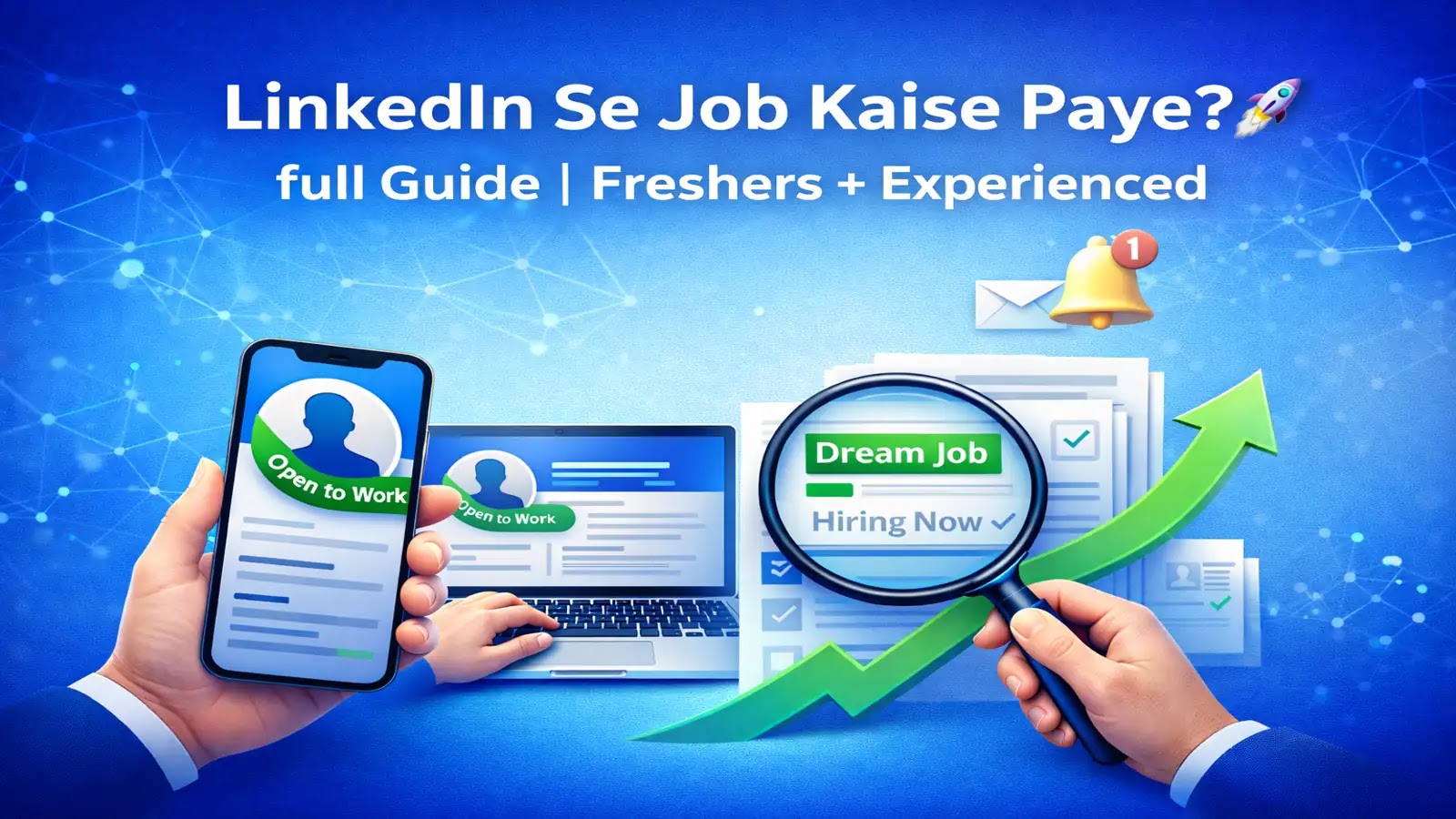
📸 LinkedIn se dream job kaise payein – complete guide for freshers & experienced
Aaj ke time mein job search karna sirf resume bhejna ya Naukri.com par apply karna nahi hai. Ab recruiters aur companies LinkedIn par hi sabse zyada active hain. Agar aap chahein to sirf LinkedIn ke through bhi apni dream job tak pahunch sakte ho — chahe aap fresher ho, experienced ho, ya abroad me job dhundh rahe ho.
Lekin sabse badi problem ye hoti hai ki log LinkedIn ka sahi use karna nahi jaante. Profile bana ke chhod dete hain. Is guide me hum step by step dekhenge ki how to use linkedin for job search – ekdum real, practical aur simple language me.
Mere ek friend Raj (B.Tech 2025 passout) ne 2 mahine tak hundreds of resumes bheje – kuch calls aaye, lekin koi final offer nahi. Fir humne uska LinkedIn profile fix kiya – photo, headline, about section, open to work badge lagaya. 3 weeks mein usse 2 interview calls aaye. 5th week mein dream company mein internship lag gayi. Sirf LinkedIn ki wajah se.
LinkedIn Help Center – Job Search
🧩 Step 1: LinkedIn Profile Tips – Professional Kaise Banayein
Sabse pehla step hai – aapki LinkedIn profile ko polish karna. LinkedIn basically aapka digital resume + reputation platform hai. Yahi aapka first impression banata hai.
Yeh 6 cheezein sabse important hain:
| Cheez | Karna kya hai | Common galti |
|---|---|---|
| 📸 Profile Photo | Clear, professional photo – simple background | Selfie ya group photo bilkul nahi |
| 🎨 LinkedIn Banner | Top par cover image – apni field likho | Khali ya random image mat lagao |
| ✍️ Headline | Example: “Digital Marketing Fresher | SEO” | Sirf job title mat likho |
| 📄 About Section | 3-4 lines me passion, skills aur goal likho | Copy-paste resume mat karo |
| 💼 Experience & Education | Internship, projects, freelance sab likho | Sirf company name mat likho |
| ⭐ Skills & Endorsements | Minimum 10-15 relevant skills – Excel, Python, Canva etc. | Sirf 2-3 skills daal ke mat chhodo |
🔥 Real Example – Achhi profile kaise dikhti hai:
Photo: Suit ya shirt me smile ke saath.
Banner: “B.Tech Graduate | Data Analytics Enthusiast | Python & SQL”
Headline: “Data Analytics fresher hoon. Excel aur Power BI aati hai. Internship dhundh raha hoon.”
About: “I love finding patterns in messy data. Looking for entry-level data analyst roles.”
🔍 Step 2: LinkedIn Job Search Kaise Karein (Full Guide)
LinkedIn par top menu me “Jobs” likha hota hai – wahi aapka goldmine hai. Click karte hi aapko search bar milega.
Yahan aap 2 cheezein likh sakte ho: Job Title (jaise “HR Executive”, “Data Analyst”) aur Location (Delhi, Remote, Dubai, Germany).
Filters ka use karna mat bhoolna – ye sabse powerful feature hai:
- Date Posted: “Last 24 hours” select karo – fresh jobs pe sabse pehle apply karo.
- Experience Level: Internship, Entry Level, Mid Level.
- Company: Agar specific brand me interest hai (Google, Infosys etc.)
- Job Type: Full-time, Remote, Part-time, Contract.
- Easy Apply filter: Sirf wahi jobs dikhao jahan direct apply ho.
🎯 Meri personal advice: Roz subah 10 baje 10-15 min nikaalo – naye jobs filter karo aur apply karo. Consistency se farak padta hai.
🕵️ Step 3: LinkedIn Easy Apply – Direct Apply Kaise Karein
LinkedIn pe bahut saari companies direct apply option deti hain jise kehte hain Easy Apply. Matlab aapko kisi aur website pe redirect nahi kiya jaata. Bas click karo, resume upload karo aur ho gaya apply!
Apply karne se pehle ye 3 cheezein check karo:
- ✅ Profile 100% complete ho (photo, banner, about, experience sab bhara ho).
- ✅ Resume updated ho aur PDF format me ho – Word file mat bhejna.
- ✅ Cover letter optional hai, par short likh do – “Excited to apply for this role as it matches my skills in [your skill]”.
📌 How to upload resume in linkedin: Profile ke “Resources” section me jao -> “Resume builder” ya “Featured” section me upload karo.
🔔 Step 4: How to Set Job Alerts in LinkedIn (ON Karo)
LinkedIn ka ek hidden superpower hai – Job Alerts. Aap job search karne ke baad “Set Alert” button pe click kar sakte ho. Iske baad LinkedIn aapko daily ya weekly mail karega jab similar jobs post hoti hain.
Iska fayda kya hai? Aap sabse pehle apply karoge – recruiter ko fresh applications zyada pasand hoti hain. Aapko roz search nahi karna padega – seedha email me jobs aayengi.
Steps:
1. Jobs tab me apni search karo (e.g. “Digital Marketing in Bangalore”).
2. Top right me “Set Alert” button -> frequency select karo – Daily ya Weekly. Done.
💬 Step 5: Recruiters Aur HR se Connect Karo (Networking Ka Power)
LinkedIn sirf job board nahi, networking platform bhi hai. Yahan aap direct HR aur hiring managers se connect kar sakte ho – lekin smartly.
❌ Mat karo ye: Ek hi message 100 recruiters ko bhejna (spam) / “Hi” ke alawa kuch na likhna.
✅ Karo ye:
Pehle connection request bhejo – ek short note ke saath:
“Hi [Name], I saw your profile. I’m a [your role] with [X skills]. Aapse connect hona chahta hoon. Aapke experience se kaafi kuch seekhne ko milega.”
Connection accept hone ke baad – ek message likho:
“Hi [Name], thank you for connecting. I came across your post/hiring update about [role]. I’m really interested and have relevant skills in [skill1, skill2]. Would you be open to reviewing my profile?”
🌐 Step 6: Location Filter Se Abroad Jobs Dhoondo
Agar aapko Dubai, Singapore, Canada, Germany jaise countries me job chahiye, to search me location badal lo.
Example: Search bar me likho “Marketing Executive” → Location me likho “Dubai” (ya “Germany”, “Singapore”). Phir Set Alert kar lo. Ab jab bhi wahan koi job aayegi – notification aa jayega.
✅ Aapko alag website pe jaane ki zaroorat nahi – LinkedIn par hi verified openings milti hain. LinkedIn abroad job search – ye feature bahut kam log use karte hain, isliye competition kam hai.
💡 Step 7: Apni Activity Visible Rakho (Algorithm Ko Signal Do)
LinkedIn algorithm tabhi aapko push karta hai jab aap active ho. Sirf profile bana ke baithe rahoge toh koi nahi dekhega.
Hafte mein 2-3 baar ye 4 cheezein zaroor karo:
- Ek short post likho – career tip, learning, project update.
- Kisi HR ya industry expert ki post pe comment karo – visibility badhti hai.
- Apne projects ya certificates share karo – social proof.
- Apni profile ki link share karo dusre platforms par – WhatsApp, Instagram story.
Isse aapke profile views badhte hain aur recruiters notice karte hain. Jo log active rehte hain, unhe 3x zyada messages aate hain recruiters se.
📈 Step 8: Keywords Aur SEO Ka Use Karo
Aapka LinkedIn profile ek “mini website” hai – jise LinkedIn aur Google dono index karte hain. Toh agar sahi keywords daaloge, toh recruiters tumhe dhundh paayenge.
Ye keywords naturally likho apni profile me: “Looking for job in [your field]”, “Open to work”, “Experienced in [tool/skill name]”, “Fresher | Open to Internship”.
Example: “B.Com graduate looking for job in finance | Open to work in accounting roles. Experienced in Tally, Excel, GST.”
Yeh keywords LinkedIn search me aapko upar laate hain.
🧠 Bonus Tips for Success
| ✅ Open to Work badge lagao | Recruiters ko signal jaata hai. Sirf recruiters ko visible bhi kar sakte ho. |
| ✅ Resume aur LinkedIn data match karo | Mismatch hua toh recruiter doubt me pad jaata hai. |
| ✅ 500+ connections kar lo | Visibility badhti hai. |
| ✅ LinkedIn Learning se free certification | Free courses (1 month trial). Certificate profile me add karo. |
| ✅ Daily 15-20 min LinkedIn par bitao | Like, comment, share – algorithm tumhe priority deta hai. |
What is cfbr in linkedin? CFBR = “Commenting For Better Reach”. Jab tum comment karte ho, toh post zyada logo tak pahunchti hai.
What is impression in linkedin? Impression batata hai ki teri post ya profile kitni baar dikhi. Zyada impression = zyada visibility.
❓ Frequently Asked Questions
🔚 Conclusion – Ek Baar Samajh Lo, Life Set Hai
LinkedIn par job search karna ek art hai. Sirf account banana kaafi nahi – maintain aur optimize karna equally important hai.
Agar aap upar diye steps follow karte ho – ✔️ Profile professional ✔️ Job alerts active ✔️ Recruiters ke saath connection ✔️ Regular activity – toh aapko job milne ke chances bahut high ho jaate hain.
LinkedIn par opportunities har din update hoti hain. Bas thoda smart approach rakho aur consistency maintain karo.
🚀 Aapka next job offer LinkedIn inbox me hi aane wala hai!
📢 Follow Us for Latest Job Updates, Career Guide & Career Tips
🚀 Daily job alerts, exam updates, interview tips, aur career roadmaps — sab ek jagah.